
Mobile Banking Security: How To Protect Your Money From Digital Scams

Mobile Banking Security: How To Protect Your Money From Digital Scams
Learn how to protect your bank account from phishing attacks, fake apps, online fraud, and other digital threats. Discover practical security habits that can help keep your money safe while using mobile banking.
Mobile banking has transformed the way people manage their money. With just a smartphone, customers can transfer funds, pay bills, check balances, and access financial services from almost anywhere. However, this convenience has also created new opportunities for cybercriminals who target unsuspecting users.
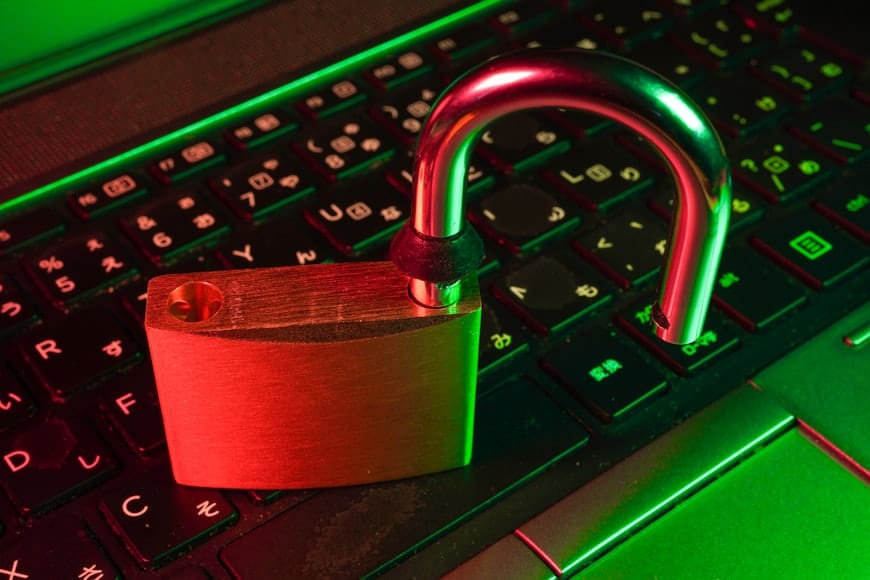
Digital banking scams are becoming more sophisticated, making it important for users to understand how these threats work and how to protect their accounts. A single mistake, such as clicking a fake link or sharing sensitive information, can put your financial security at risk.
Strong mobile banking security is not only about using technology; it is also about developing smart financial habits. Regular account monitoring, careful online behavior, and awareness of common scams can help prevent unauthorized access to your money.
If you are working on improving your overall financial management, you may also find our guide on hidden bank fees you should never ignore useful. Understanding both banking costs and security risks helps you make better decisions with your money.
What Is Mobile Banking Security?
Mobile banking security refers to the practices, tools, and precautions used to protect your financial accounts when accessing banking services through a smartphone or mobile device. It helps prevent unauthorized access, identity theft, fraud, and loss of sensitive financial information.
As more people rely on mobile apps for everyday banking activities, protecting personal information has become an essential part of managing money. Security measures such as strong passwords, multi-factor authentication, device protection, and transaction alerts can significantly reduce the risk of financial fraud.
Why Mobile Banking Security Matters
Your smartphone often contains access to important financial accounts, payment applications, and personal information. If criminals gain access to your device or banking details, they may attempt unauthorized transactions or steal your identity.
Protecting your mobile banking access is similar to protecting your physical wallet. Just as you would not share your bank card PIN with strangers, you should never share passwords, verification codes, or login details with anyone online.
Building strong digital banking habits also supports better money management. Alongside security awareness, understanding how your accounts work can help you avoid unnecessary costs. You can learn more from our article on hidden bank fees and charges.
Common Mobile Banking Scams You Should Know
Cybercriminals are constantly developing new ways to trick people into revealing their banking information. Many mobile banking scams rely on social engineering, where criminals create a sense of urgency or fear to convince victims to take unsafe actions.

1. Phishing Messages and Fake Links
Phishing is one of the most common forms of digital fraud. Scammers may send emails, text messages, or social media messages pretending to be your bank. These messages often contain fake links designed to steal your login details or personal information.
Always verify suspicious messages before clicking any links. Banks will rarely ask customers to provide passwords, PINs, or security codes through unexpected messages.
2. Fake Banking Applications
Fraudsters may create fake mobile banking apps that look similar to official banking applications. When users enter their information, criminals can capture their credentials and attempt to access their accounts.
Only download banking applications from official app stores and confirm that the developer information matches your financial institution.
3. SIM Swap Fraud
SIM swap fraud happens when criminals convince a mobile provider to transfer your phone number to a SIM card they control. This can allow them to receive verification messages and attempt to access your accounts.
Protect your mobile number by securing your account with your network provider and avoiding sharing personal information with unknown callers.
4. Public Wi-Fi Banking Risks
Using unsecured public Wi-Fi networks for banking activities can expose your information to cybercriminals. Avoid accessing sensitive financial accounts on unknown networks, especially when making transactions.
When possible, use trusted mobile networks or secure connections when accessing your banking services.
Warning Signs Your Bank Account May Be at Risk
Recognizing early warning signs can help you respond quickly and reduce the damage caused by digital banking fraud. Many people only discover they have been targeted after unauthorized transactions have already occurred.
Unexpected Transactions or Withdrawals
One of the clearest signs of a security problem is seeing transactions you do not recognize. This may include unfamiliar payments, transfers, withdrawals, or purchases appearing on your account statement.
Review your banking activity regularly and report suspicious transactions to your financial institution as soon as possible.
Unusual Login Alerts
Many banks provide notifications when someone attempts to access your account from a new device or unusual location. Do not ignore these alerts, even if no money has been lost yet.
If you receive a security notification you do not recognize, change your password immediately and contact your bank for guidance.
Suspicious Messages Requesting Personal Information
Be cautious of messages asking for your PIN, password, account number, or verification code. Legitimate financial institutions will not request sensitive information through random messages, calls, or links.
Your Phone Behaving Differently
Unexpected changes on your phone, such as unfamiliar applications, unusual battery usage, or loss of mobile network service, could indicate a security issue that requires attention.
Protecting your accounts requires both secure technology and responsible financial habits. Along with digital security, managing your money wisely through proper planning is important. Our beginner’s budgeting guide can help you build stronger financial habits.
How To Protect Your Bank Account From Digital Scams
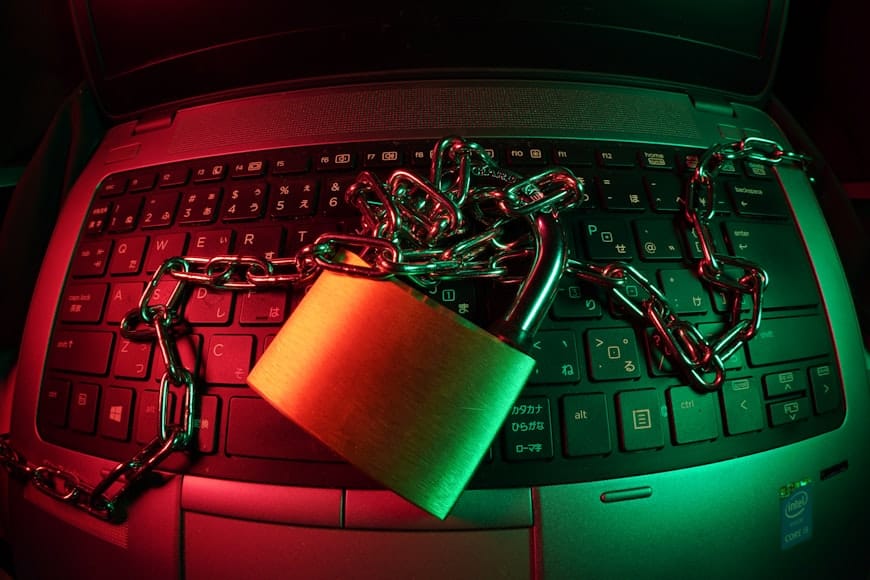
Protecting your money from digital scams requires a combination of secure technology and smart online habits. While banks continue improving their security systems, customers also play an important role in keeping their accounts safe.
1. Use Strong and Unique Passwords
Create strong passwords that are difficult for criminals to guess. Avoid using simple combinations such as birthdays, names, or common words. A unique password for your banking account also reduces the risk if another account is compromised.
2. Enable Multi-Factor Authentication
Multi-factor authentication adds an extra layer of protection by requiring additional verification before allowing access to your account. This can help prevent unauthorized logins even if someone discovers your password.
3. Keep Your Banking App and Phone Updated
Software updates often include important security improvements. Keeping your phone operating system and banking applications updated helps protect against known vulnerabilities.
4. Avoid Sharing Sensitive Information
Never share your PIN, passwords, verification codes, or banking details with anyone. Scammers often pretend to be bank representatives or customer support agents to gain access to personal information.
5. Monitor Your Account Regularly
Checking your account activity frequently allows you to identify suspicious transactions early. Quick action can make it easier to prevent further losses and secure your account.
Building strong financial security habits goes together with managing your money effectively. You can also learn how to reduce unnecessary banking costs in our guide on hidden bank fees you should never ignore.
What To Do If You Become a Victim of Mobile Banking Fraud
Discovering that your banking information has been compromised can be stressful, but taking quick action can help limit potential damage. The faster you respond, the better your chances of protecting your money and securing your accounts.
1. Contact Your Bank Immediately
Inform your bank as soon as you notice suspicious activity. They may be able to block transactions, temporarily freeze your account, or guide you through the steps required to secure your funds.
2. Change Your Banking Passwords
Update your banking passwords immediately if you suspect unauthorized access. Choose a strong password that you have not used on other accounts.
3. Report Fraudulent Transactions
Keep records of suspicious transactions, messages, or communications related to the fraud. Reporting these details to your bank can assist with investigations and recovery processes.
4. Secure Your Phone and Accounts
Remove unfamiliar applications, update your device software, and review account permissions. If you suspect your phone number has been compromised, contact your mobile network provider for assistance.
5. Learn From the Experience
After resolving the issue, strengthen your security habits to reduce future risks. Digital safety is an ongoing process that requires awareness and regular attention.
Protecting your money also involves making informed financial decisions. Explore more practical guidance through our Banking & Financial Services resources on SkyPress.
Frequently Asked Questions About Mobile Banking Security
How can I make my mobile banking more secure?
You can improve mobile banking security by using strong passwords, enabling multi-factor authentication, keeping your banking app updated, avoiding suspicious links, and monitoring your account activity regularly.
Can someone access my bank account through my phone?
Yes, criminals may attempt to access bank accounts through stolen passwords, fake apps, phishing messages, malware, or compromised devices. Following good security practices can greatly reduce this risk.
Should I use mobile banking on public Wi-Fi?
It is best to avoid accessing sensitive financial accounts through unsecured public Wi-Fi networks. Use a trusted mobile connection or secure network when performing banking transactions.
Will my bank ever ask for my PIN or password?
No. Legitimate banks do not ask customers to share confidential information such as PINs, passwords, or security codes through messages, emails, or unexpected phone calls.
What should I do if I click on a suspicious banking link?
If you click on a suspicious link, avoid entering any personal information, close the page, change your banking password if necessary, and contact your bank if you suspect your account may be at risk.
Final Thoughts: Protect Your Money In The Digital Banking Era
Mobile banking has made managing money faster and more convenient, but it has also created new risks that every user should understand. Protecting your financial information requires awareness, caution, and consistent security habits.
Simple actions such as using strong passwords, enabling additional security features, avoiding suspicious links, and monitoring your transactions can significantly reduce your risk of becoming a victim of digital fraud.
Financial security is not only about protecting what you earn; it is also about making smart decisions that preserve your money over time. By combining safe banking practices with proper money management, you can build greater confidence in your financial journey.
For more practical financial education, explore SkyPress guides on budgeting, banking costs, and other personal finance strategies designed to help you make better financial decisions.
Disclaimer
The information provided in this article is for educational purposes only and should not be considered financial or cybersecurity advice. Banking security practices, digital threats, and financial institution policies may change over time. Always follow your bank’s official security guidance and seek professional assistance when dealing with financial security concerns.